Check your iPad first
An iPad that supports iPadOS 16 or later can run Long Lasting Clock. Check the system version before downloading. An older device is useful here, but not every old iPad is compatible.
Quick start
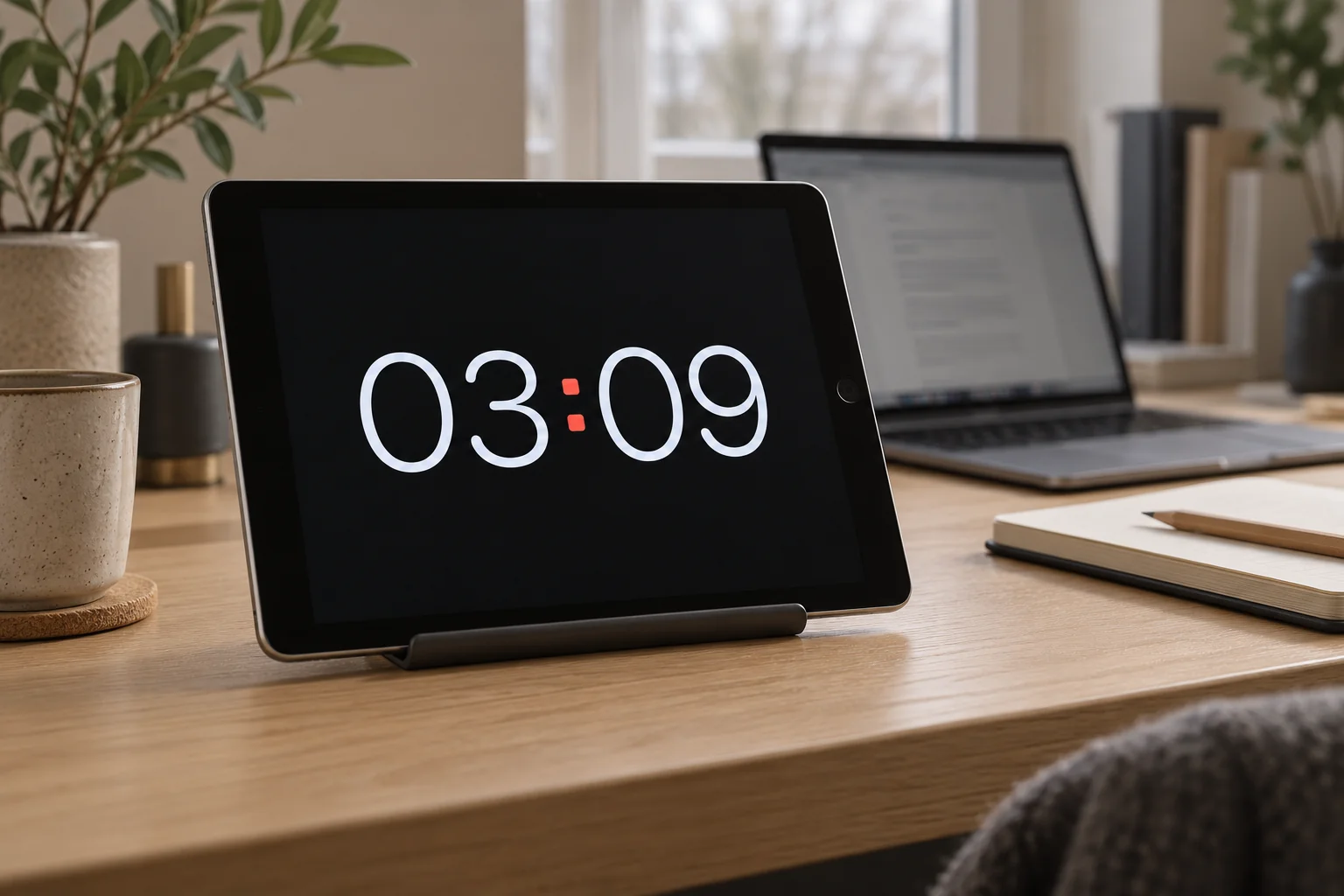
- Open Long Lasting Clock and place the device on a stable stand.
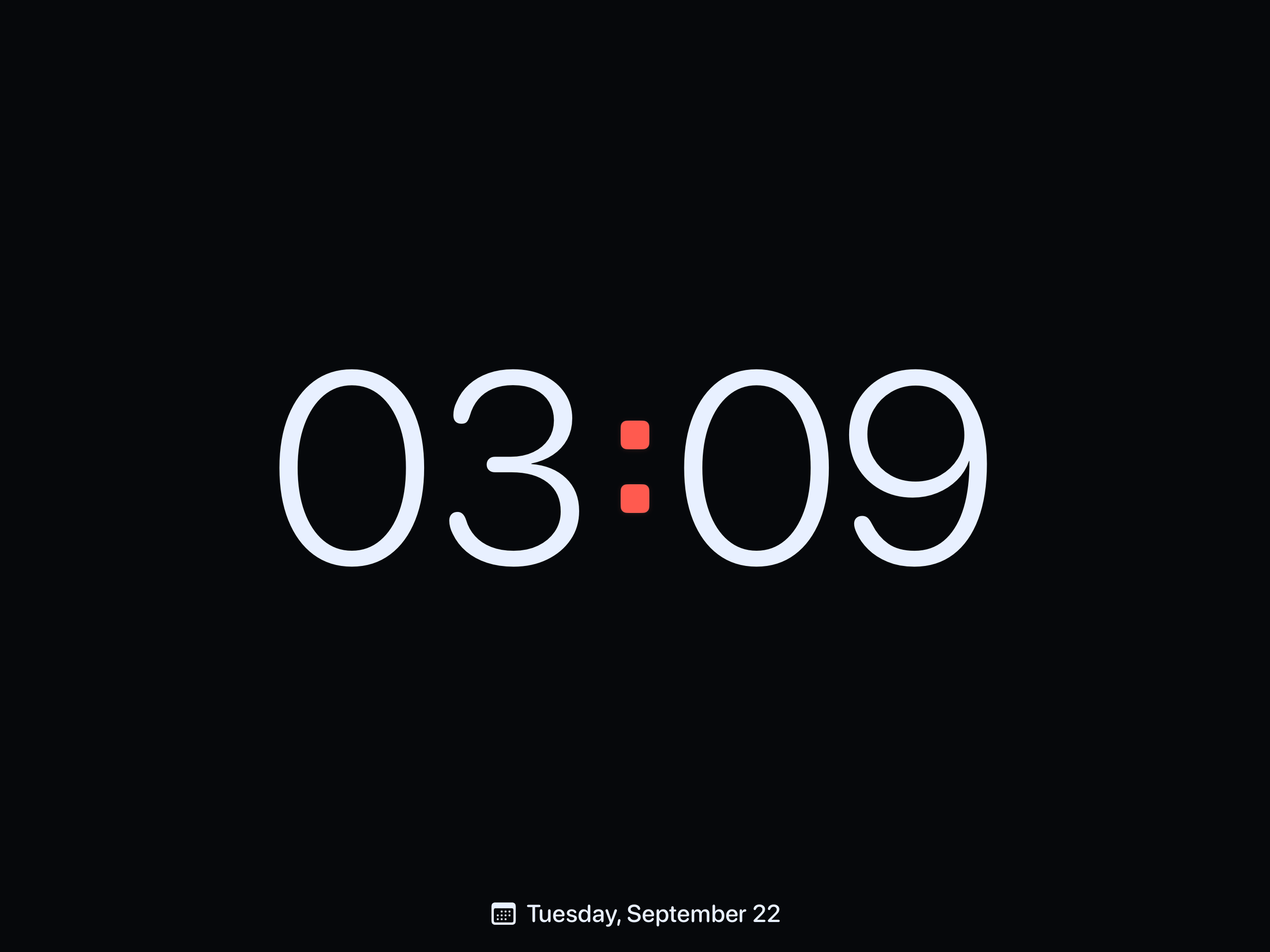
- Tap the clock, then tap Face to select the clock size control. Adjust the slider from your usual viewing distance.
- Open Settings → Display and enable Keep Screen Awake. Leave the app open.
Recommended setup
Start with Digital and Midnight, with the date visible and seconds hidden. Choose landscape for a wide display. These settings are available without Pro.
Good to know
Enable Keep Screen Awake in Display settings and leave the app open. Use a comfortable brightness and allow ventilation when charging. Burn-In Protection shifts the content but cannot guarantee prevention of screen wear. Clock Pro adds Flip, Focus, Paper and custom colors.
Related help
Still need a hand?
Tell us your device model, iOS or iPadOS version, app version and what happened. A screenshot can help. Leave out passwords, verification codes and private information.
Email support