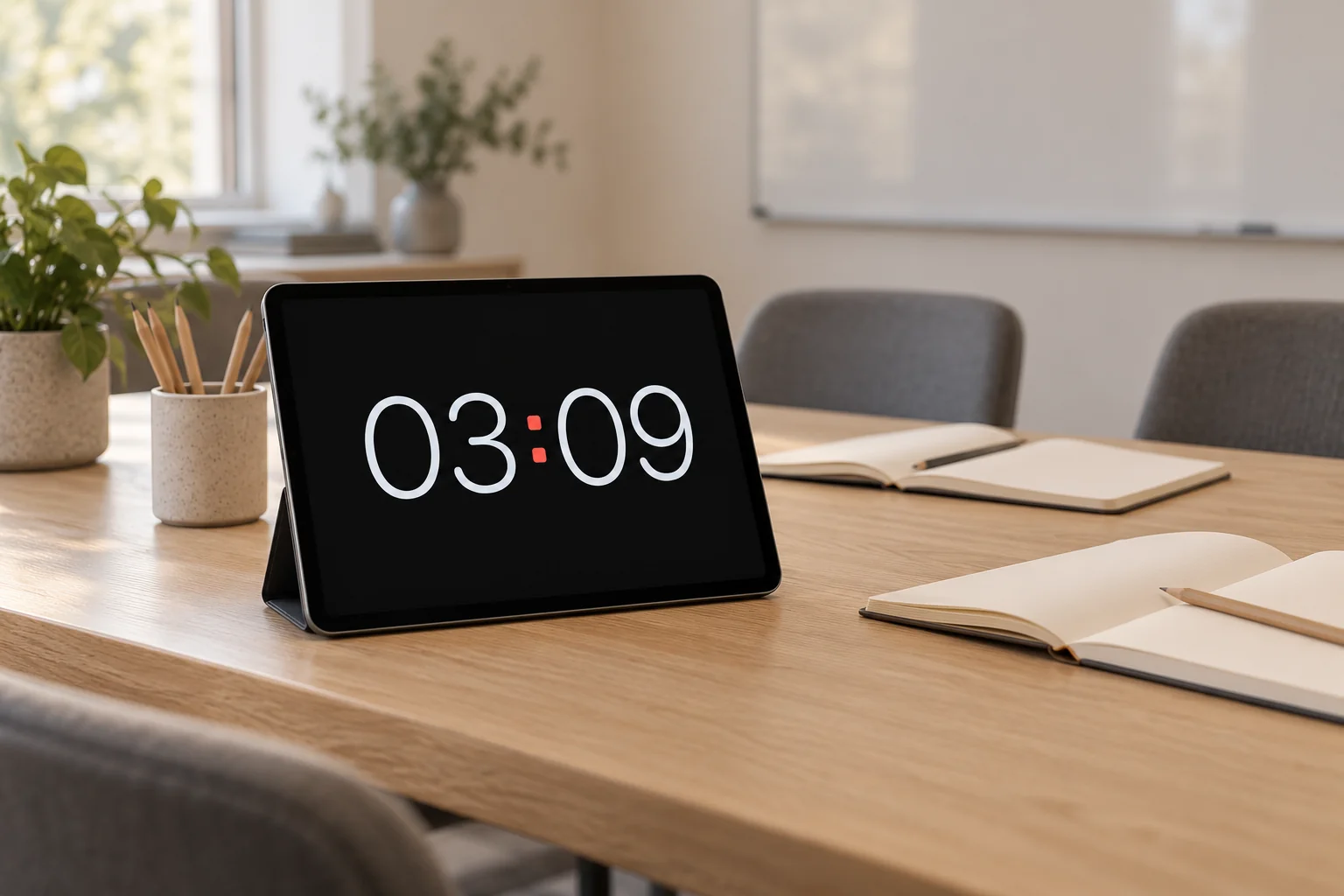
Check visibility from the back
Put the iPad where the group can see it and choose landscape or portrait. Set the clock size, then check it from the furthest seat. An iPad works for small spaces; it is not a substitute for a large room display.
Quick start
- Open Long Lasting Clock and place the device on a stable stand.
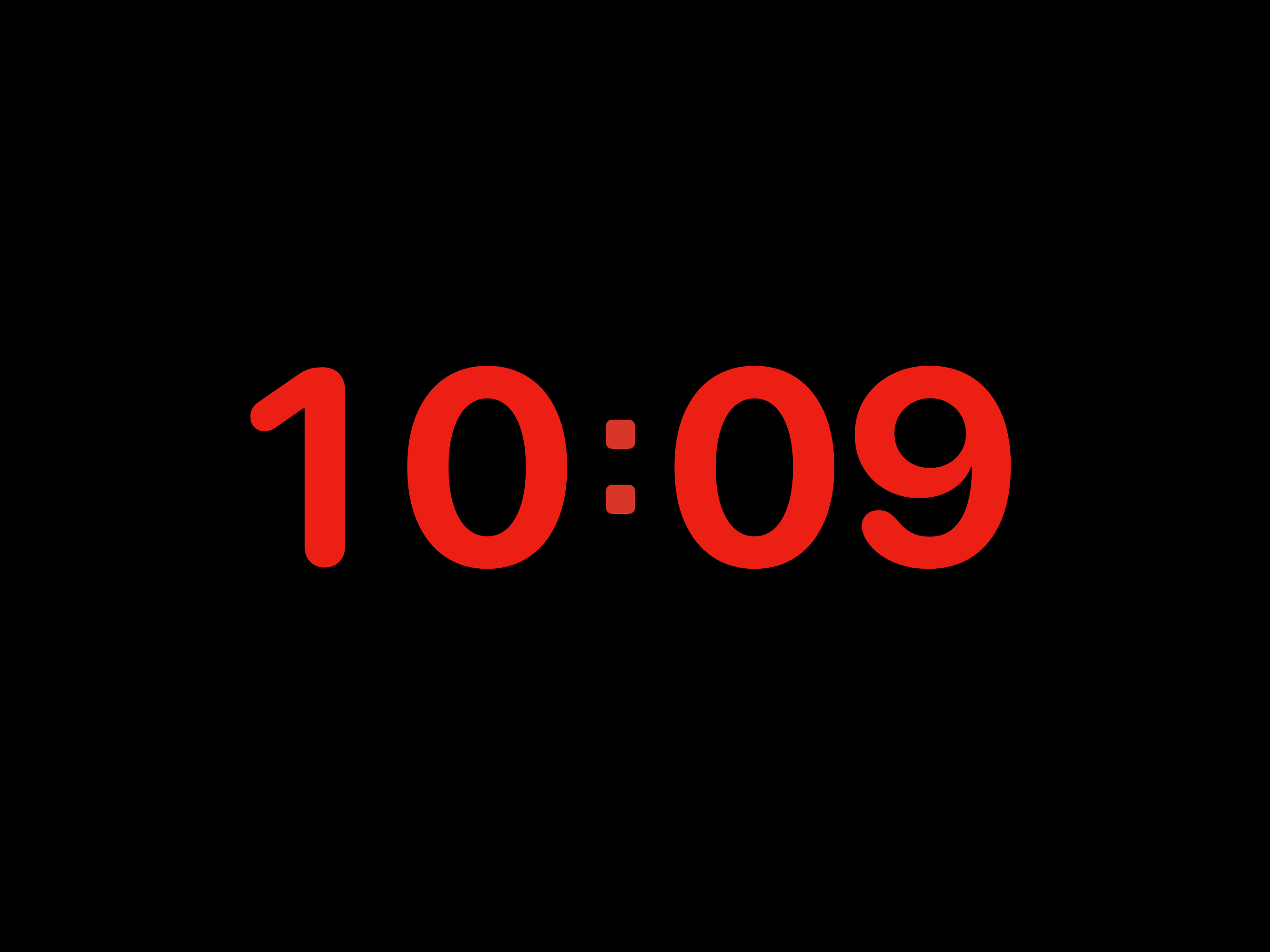
- Tap the clock, then tap Face to select the clock size control. Adjust the slider from your usual viewing distance.
- Open Settings → Display and enable Keep Screen Awake. Leave the app open.
Recommended setup
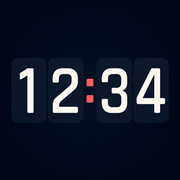
Start with Digital and Midnight, hide the date and seconds, and check readability from the furthest seat. Lock the app controls with the padlock button. Touch and hold an empty area to unlock them.
Good to know
Enable Keep Screen Awake while the app is open, then use the separate lock button to protect the app controls. Touch and hold an empty part of the clock to unlock them. The app shows the current time; it does not provide a countdown, session timer or alarm.
Related help
Still need a hand?
Tell us your device model, iOS or iPadOS version, app version and what happened. A screenshot can help. Leave out passwords, verification codes and private information.
Email support