Long Lasting Clock
Get on the App Store
English

Long Lasting Clock · iPhone, iPad, Mac and Apple TV

A big clock with room for your message.

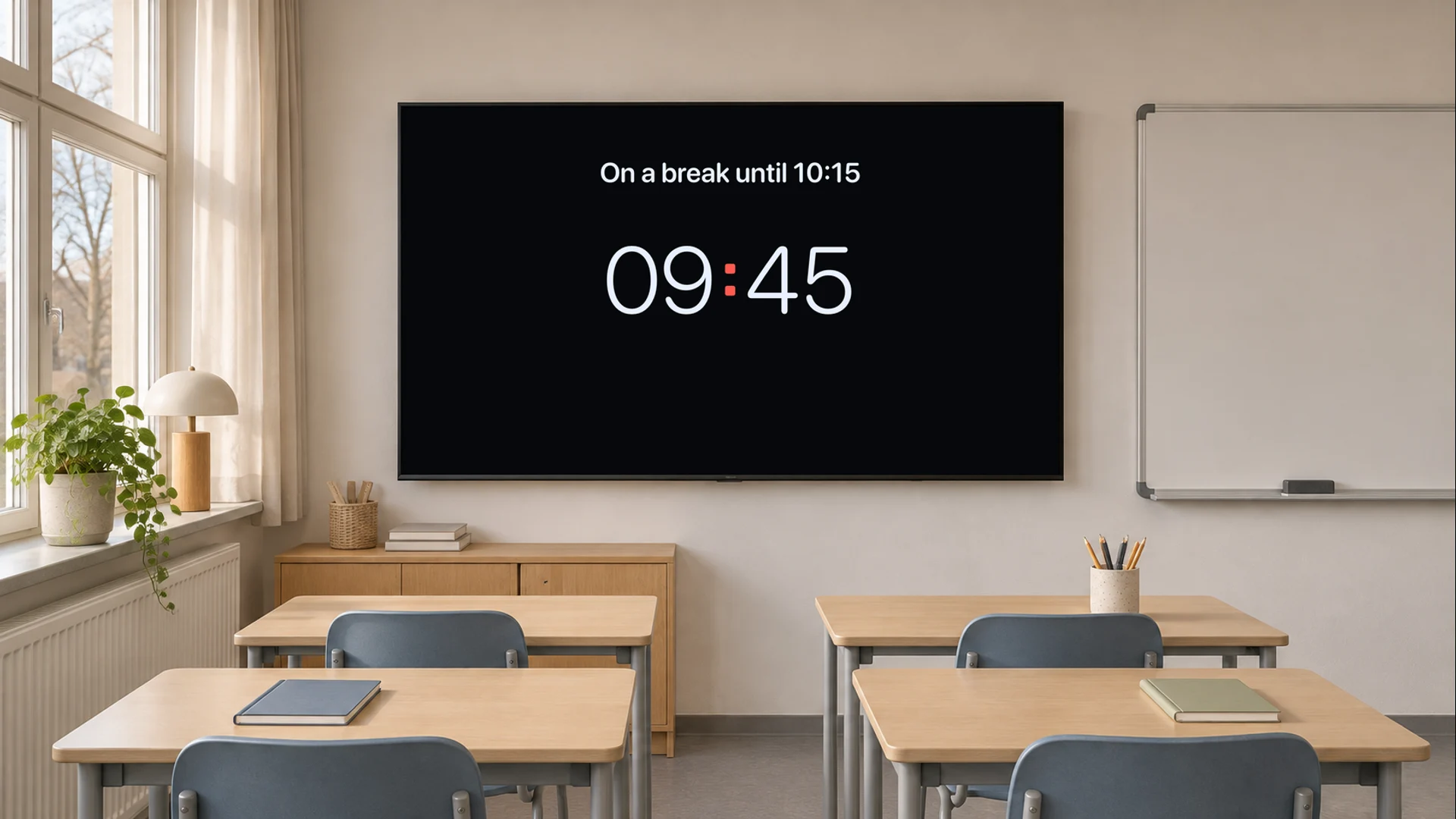
Keep the time beside your work on Mac, on your nightstand with iPhone or in the classroom on Apple TV.

Available on the App Store · iOS 16+ · iPadOS 16+ · macOS 14+ · tvOS 17+

On a break until 10:15 · Apple TV. Write and display a personal message for free. Clock Pro enlarges the text in this example. App screenshot in an illustrated setting.
iPhone / iPadMacApple TV

Give time a place of its own.

At your desk

Keep the time in view while your main screen stays focused on your work.
Beside your bed

Choose a comfortable size and lower your device brightness for the evening.

In a shared space

A clear clock for a class, meeting or rehearsal, visible at a glance.

A useful clock, free.
More choice with Pro.

Free

The everyday essentials

  • Digital face in Midnight
  • Write and display a personal message for free.
  • 12- or 24-hour time, optional seconds and a separately sized date

Clock Pro

One lifetime purchase

  • Flip, Focus and Custom Font faces
  • Paper, Night Red and custom colors; up to five saved color settings
  • One selected time zone at a time; up to five saved time zones with place labels
  • Personal messages with their own font, size and color; up to five saved messages
  • Save up to five complete clock setups

Clock Pro is an optional one-time in-app purchase, not a subscription. The app shows the price for your region before you buy.

Help with Clock Pro and restoring purchases

A clock and a message for the whole room.

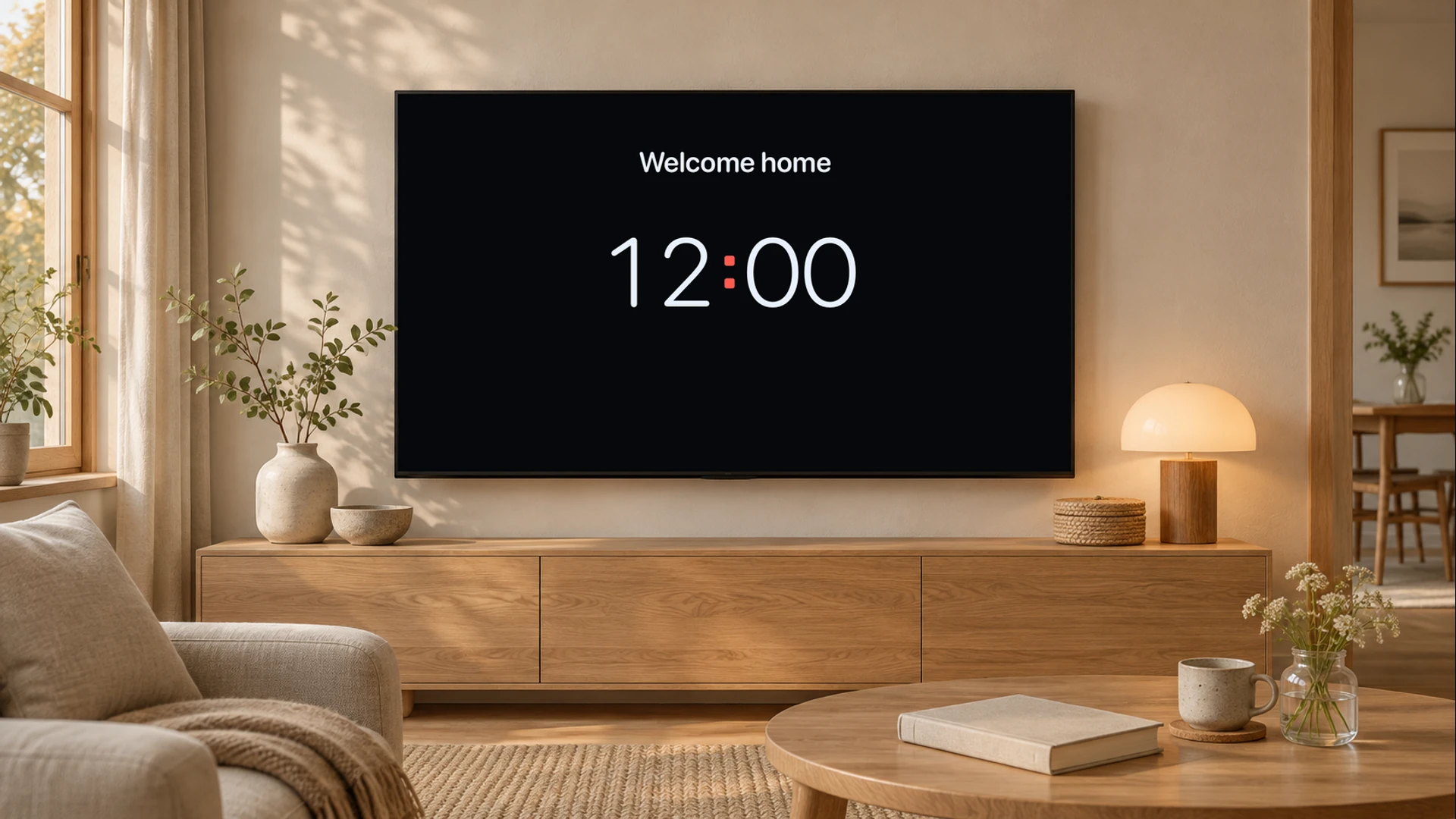
Prepare the screen for the next meeting, welcome visitors or show when class starts. Choose a suggestion and edit it to fit.
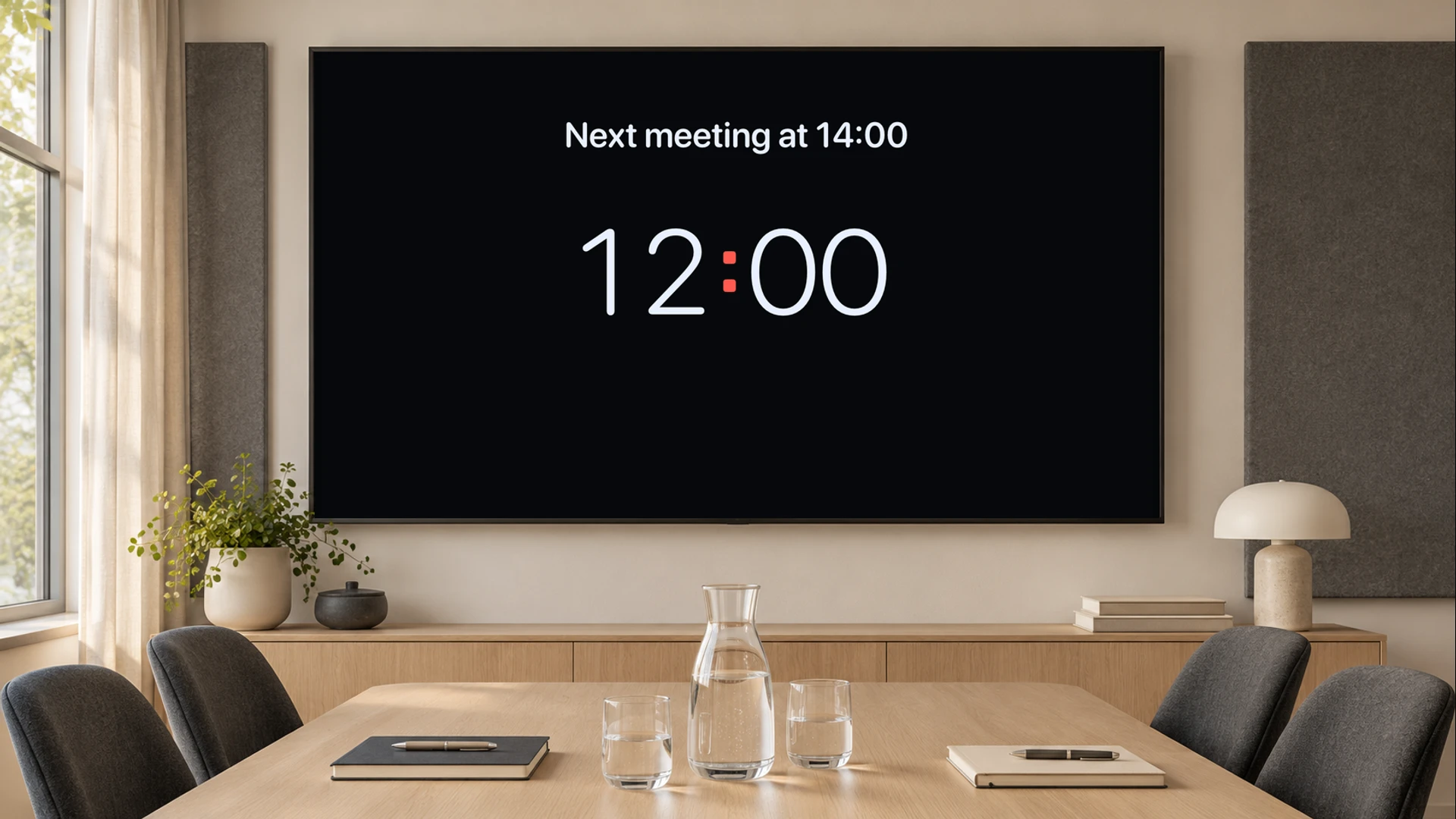
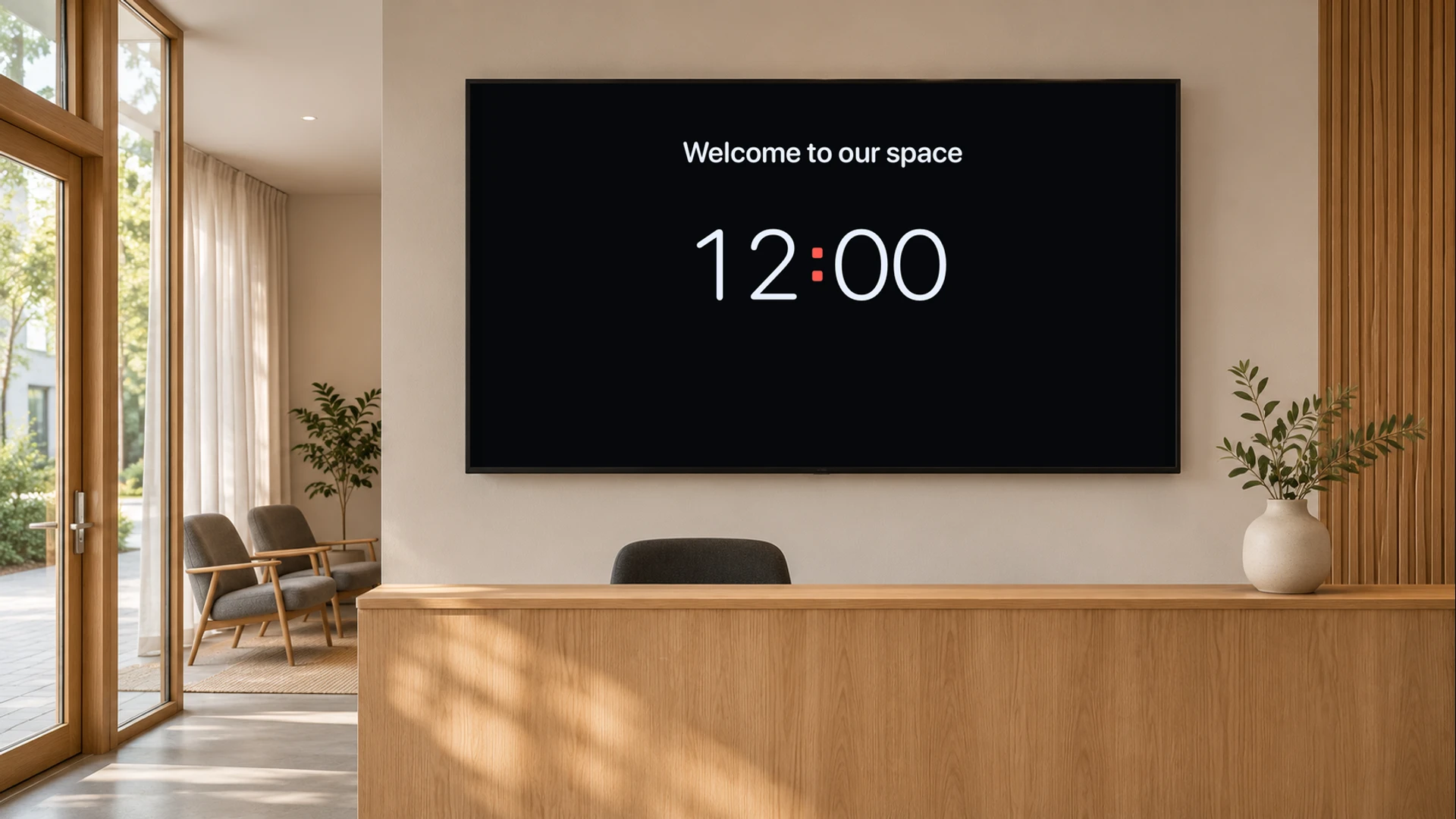
You write and update the message yourself. The images show enlarged app text in illustrated rooms.

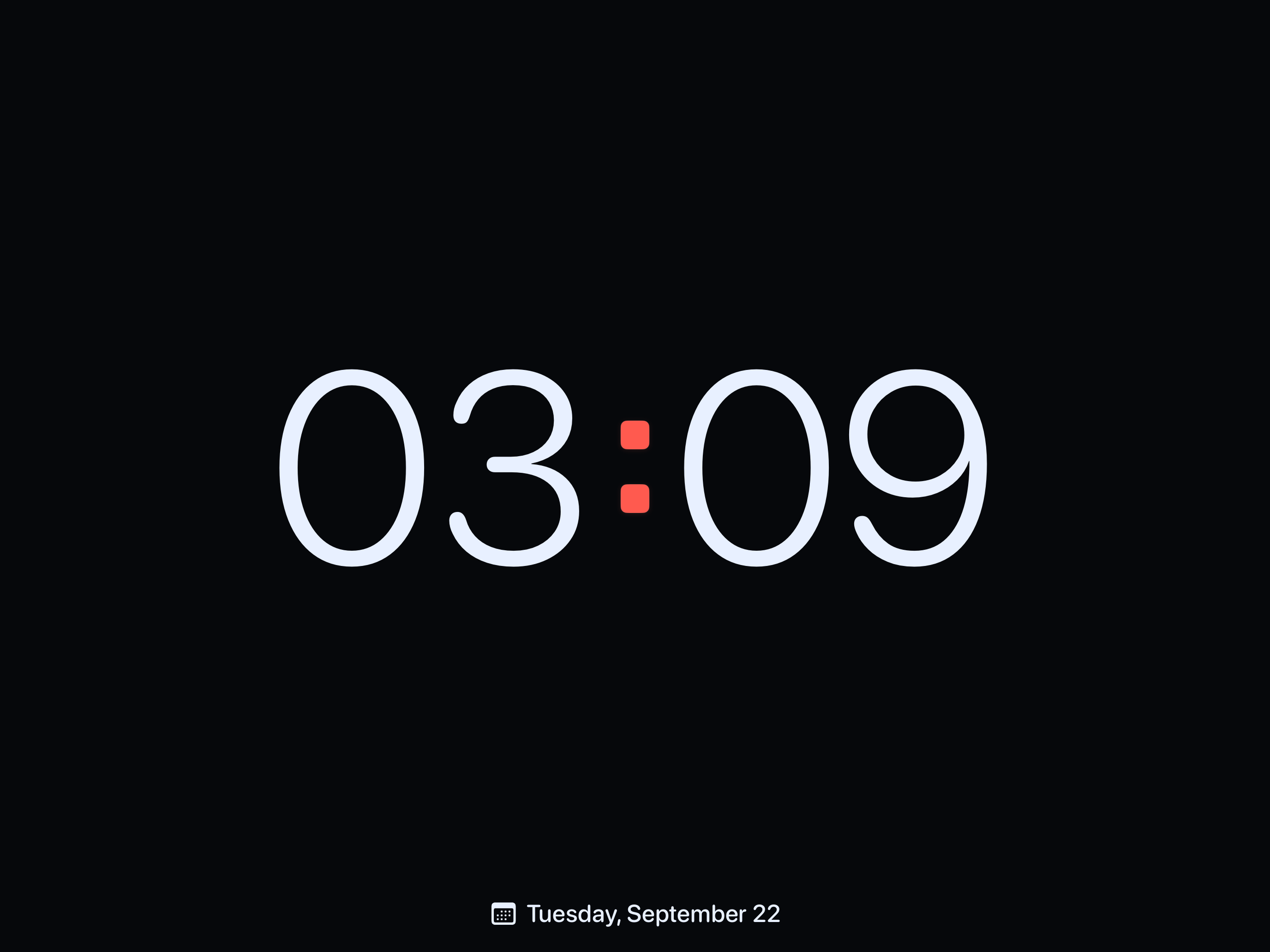
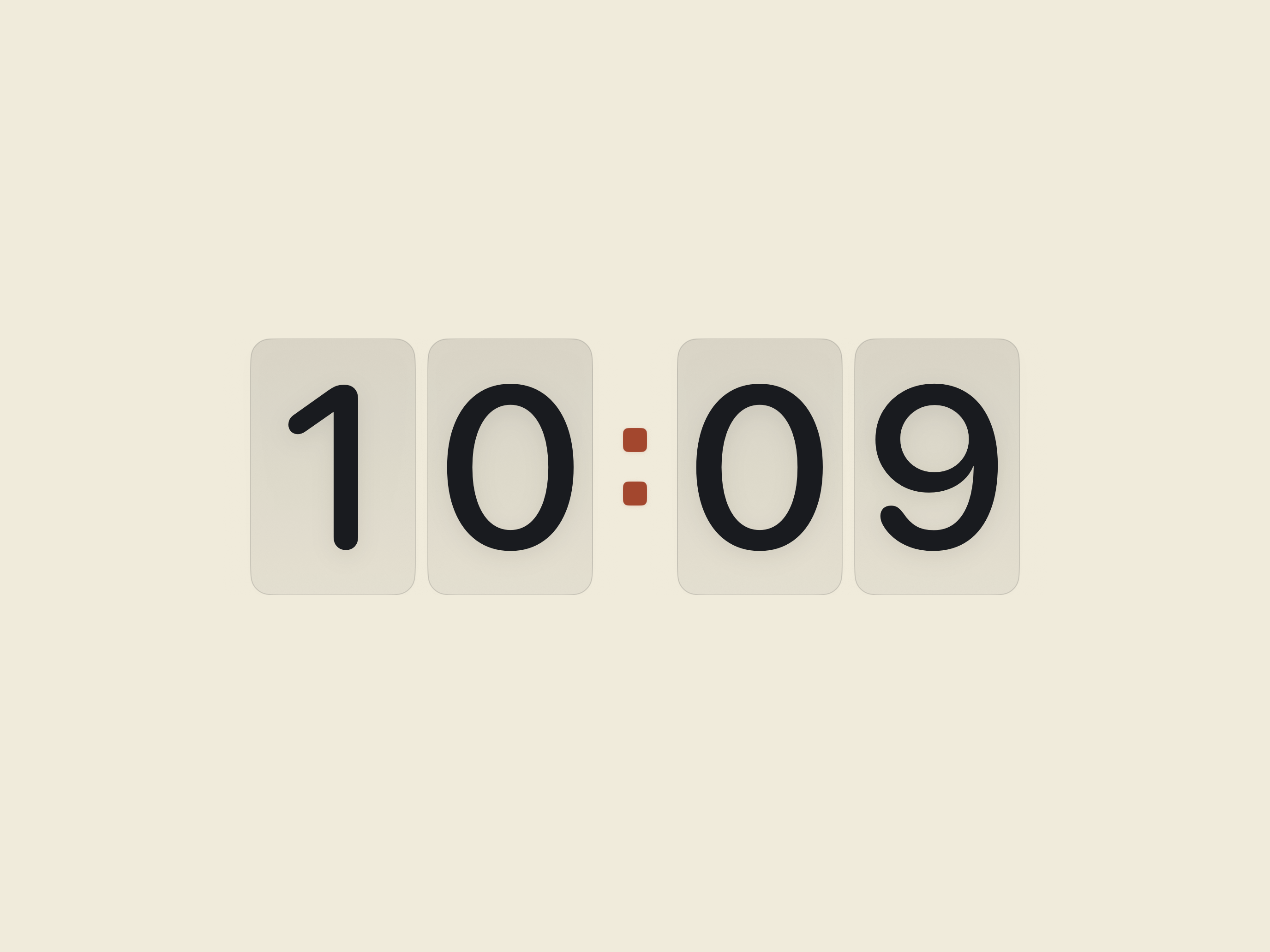
Three clock face examples

Digital face in Midnight · Free. Flip, Focus and Custom Font faces · Clock Pro.

Explore faces and colors
Digital

Digital with Midnight. Included free.
Digital with Midnight. Included free.Enlarge screenshot

Flip

Flip with Paper. Clock Pro.
Flip with Paper. Clock Pro.Enlarge screenshot

Focus

Focus with Night Red. Clock Pro.
Focus with Night Red. Clock Pro.Enlarge screenshot

On iPhone and iPad

Tap to reveal the quick controls. Select what you want to resize, then adjust the slider. On iPhone in portrait, larger buttons share the available width. A separate lock in the top corner keeps accidental taps from changing your display.

Set up your full-screen clock
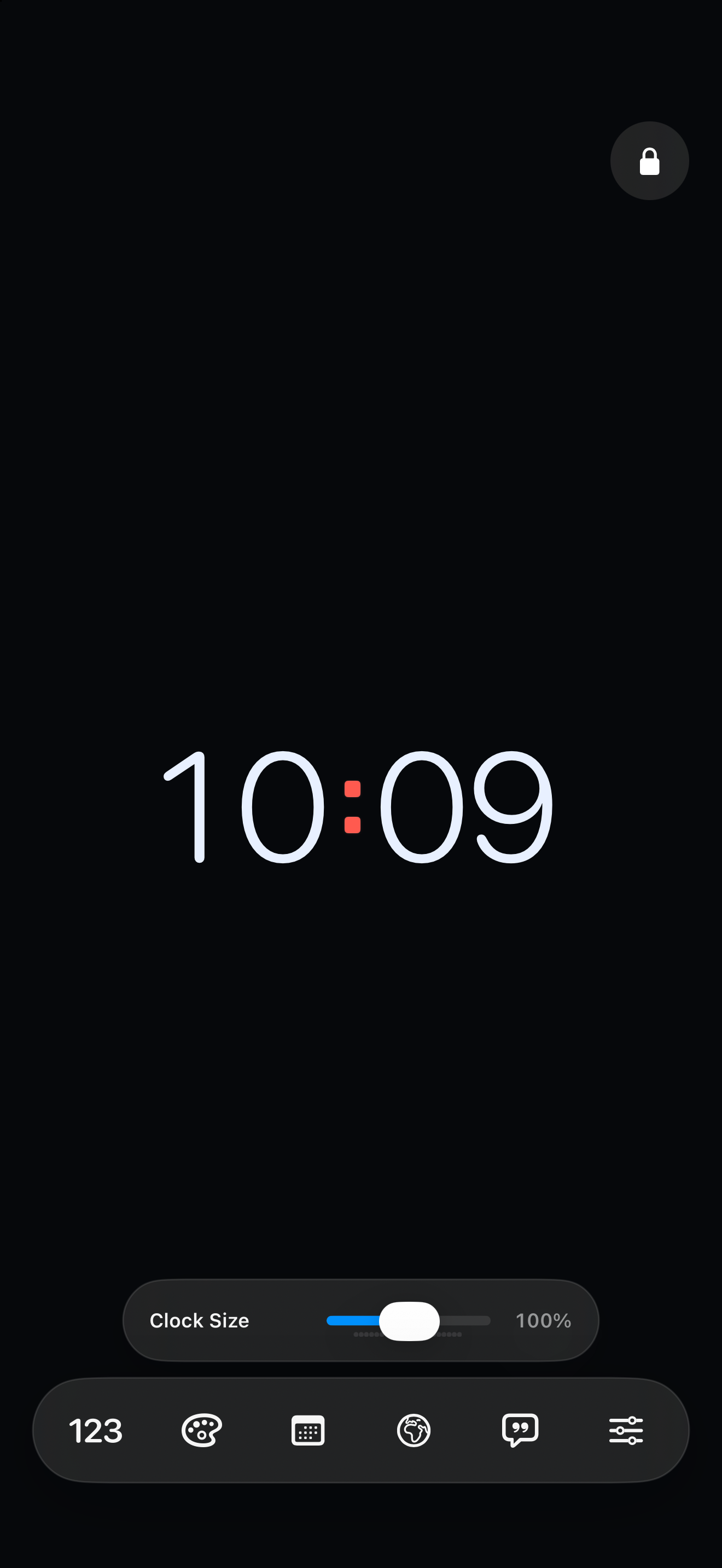
Full-width quick buttons and a separate top-right lock on iPhone.
Full-width quick buttons and a separate top-right lock on iPhone.Enlarge screenshot

Your place. Your words.

Write and show a message for free. Clock Pro adds fonts, colors, size controls, and saved messages.

Use time zones and messages
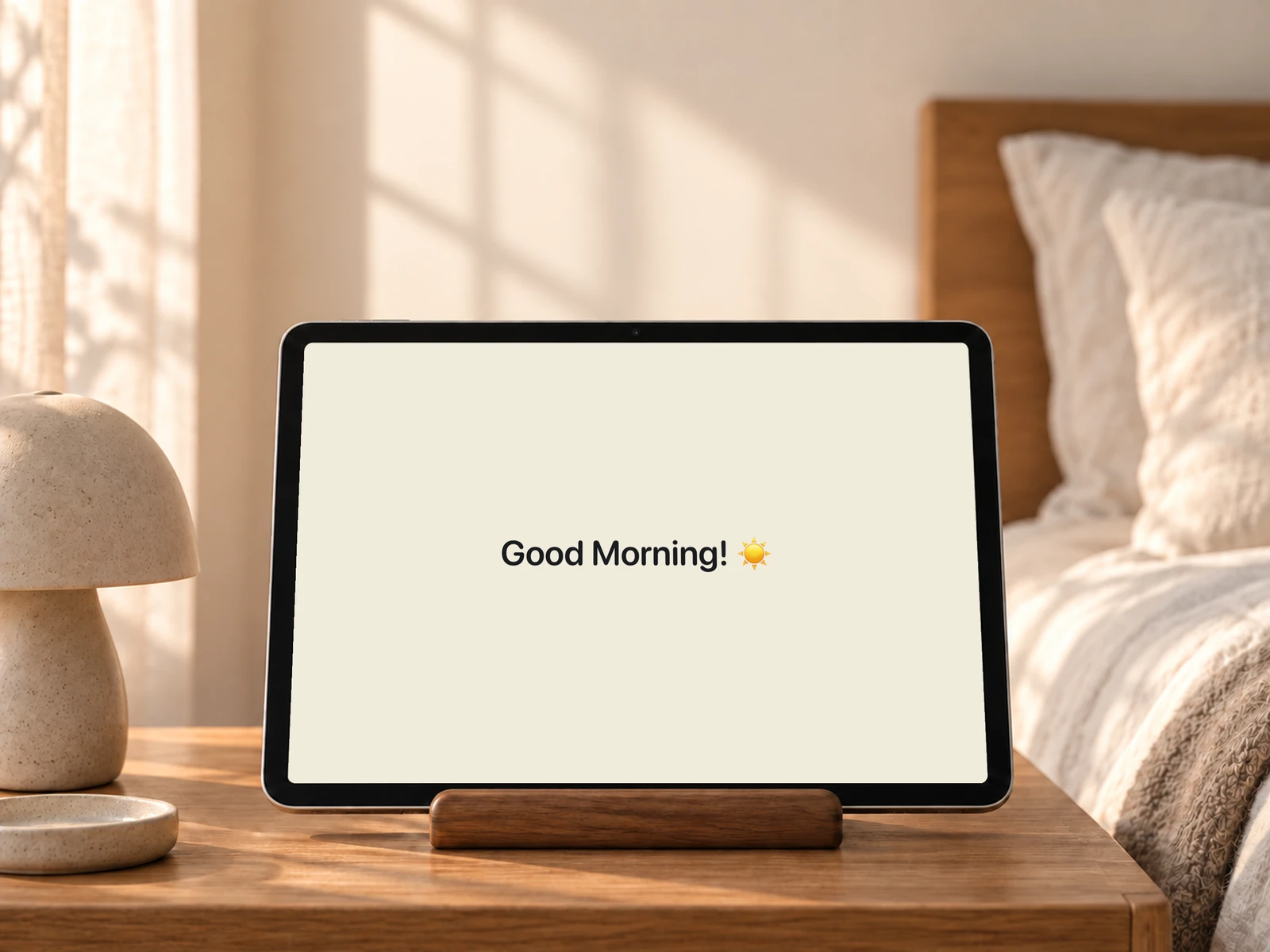
A personal morning message on an iPad, with the clock hidden. Clock Pro.
A personal morning message on an iPad, with the clock hidden. Clock Pro.Enlarge screenshot

A place for time on your Mac.

Keep a clock window beside your work or add a desktop widget. With Clock Pro you can show two time zones in separate windows.

Mac app: macOS 14 or later. Desktop widget: macOS 15 or later.

Getting started on Mac
Two real clock windows showing Stockholm at 12:48 and New York at 06:48
Two real clock windows showing Stockholm at 12:48 and New York at 06:48 · Clock Pro
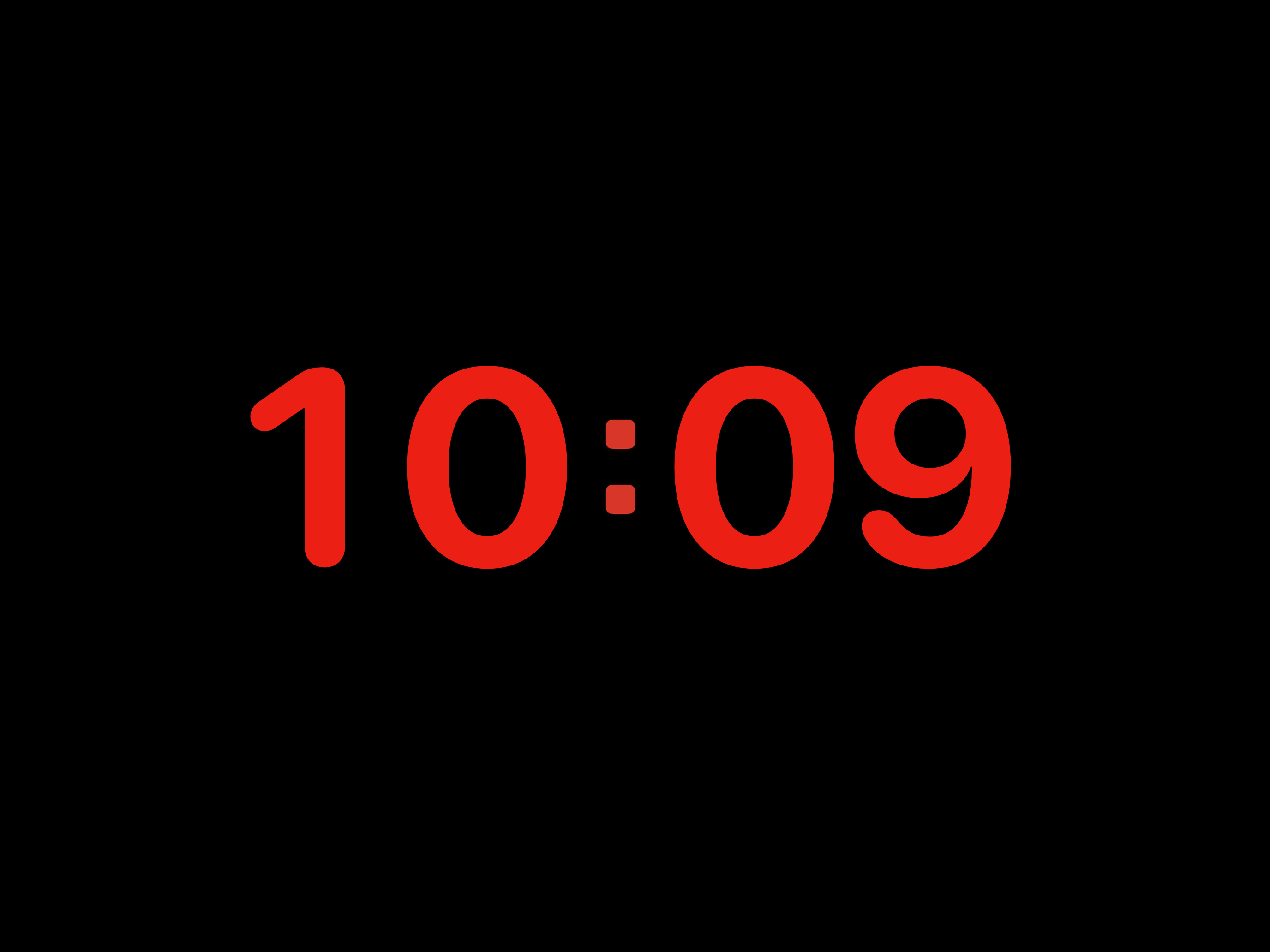
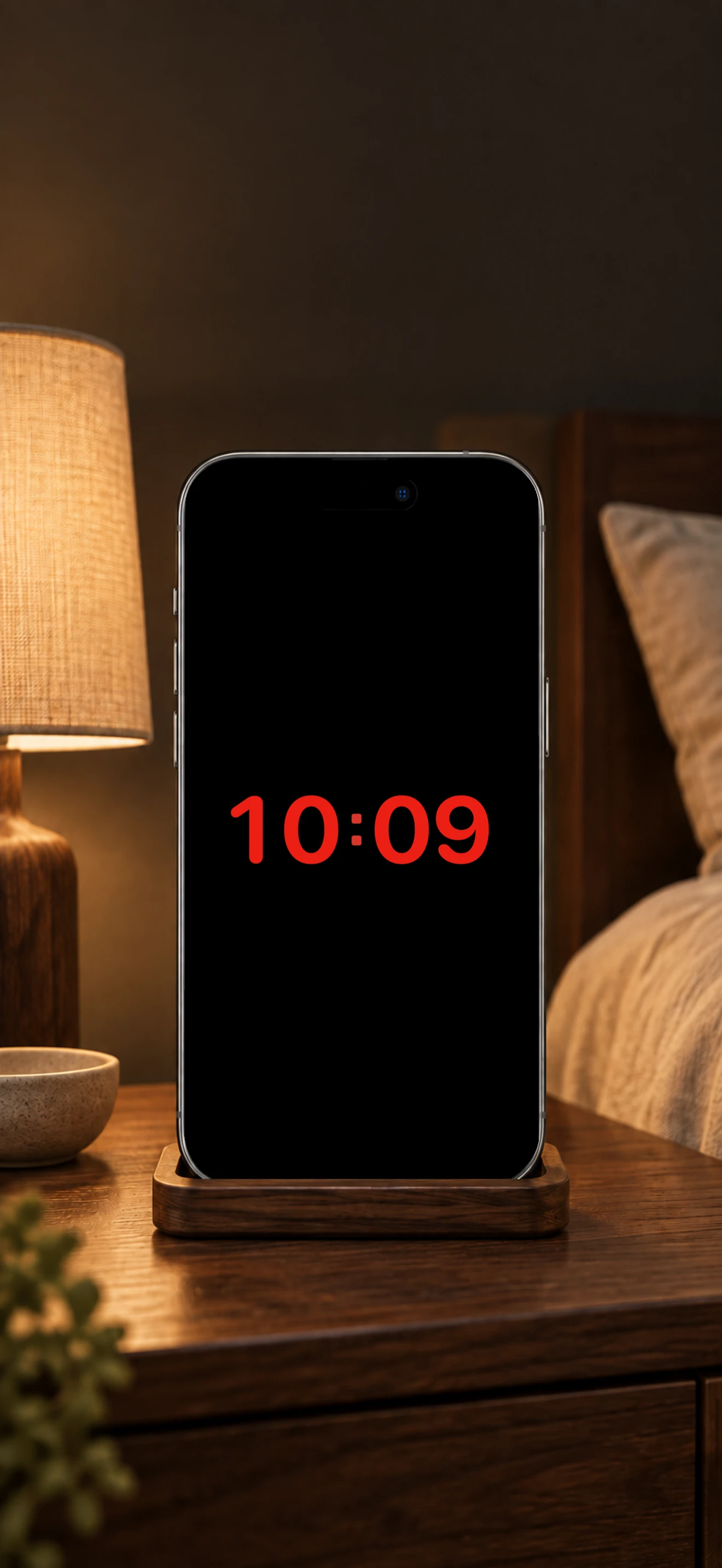
Night Red on an iPhone beside the bed. Clock Pro. Lower device brightness for evening use.
Night Red on an iPhone beside the bed. Clock Pro. Lower device brightness for evening use.Enlarge screenshot

Time beside you.

Give your iPhone a place on the nightstand. Choose a comfortable size and lower the brightness. The app stays open to show the time; it is not an alarm clock.

Set up your full-screen clock

A clock, not a profile.

No app account, advertising, analytics or tracking. Your preferences and personal messages stay on your device. The world clock uses a time zone you choose, not your physical location.

How privacy works

A little help, right when you need it.

Choose your device in Help & Guides to get started or find the control you need.

Browse Help & Guides

Stay in the loop

Get Long Lasting Apps updates by email.

Receive product news, practical tips, and occasional offers, with updates tailored to Long Lasting Clock. Signing up is optional and does not affect access to the app.

Apps worth keeping.

Long Lasting Apps is an independent Swedish app studio. We create thoughtful apps for Apple platforms with a clear focus, respect for your privacy, and quality that lasts.

Explore Long Lasting Apps

App screenshot

Open image